
Manual
From install to your first tracked hunt, and everything after.
Getting started#
Five minutes from download to your first tracked hunt.
- Install. Run the installer. Artemis opens on its launcher, and updates download and install from there by themselves.
- Point it at your chat log. The first-run setup asks for your avatar name and finds chat.log in Documents\Entropia Universe. If yours lives elsewhere, set it in Settings, Tracking.
- Make a loadout. Pick your weapon and amp, add a scope, sight, absorber or enhancers. Artemis works out your cost per shot.
- Start a quick session and go hunting. Spend, loot and return update as you shoot.
Coming from Artemis Tracker? Settings has an import that brings your old runs with you.
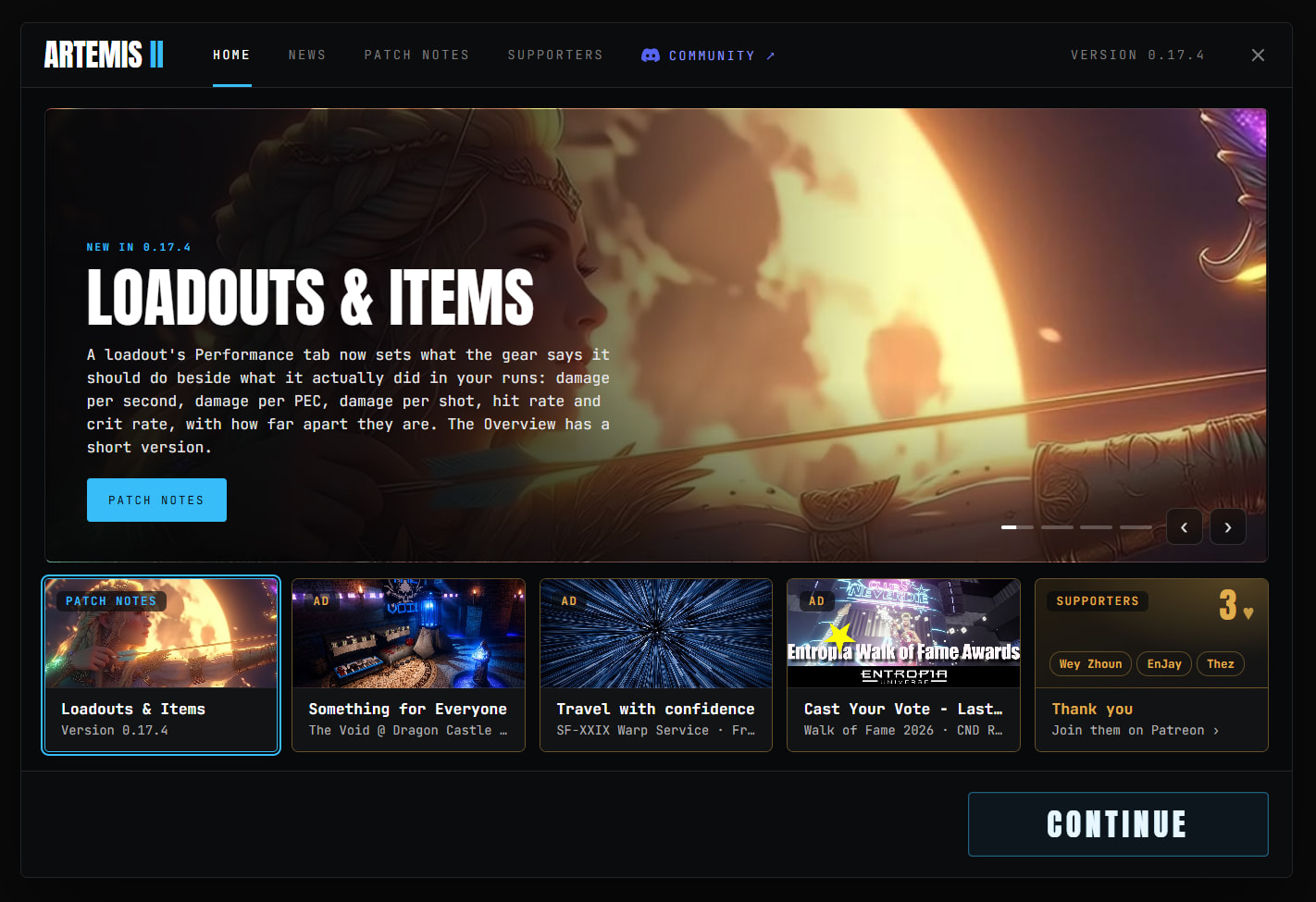
Hunting#
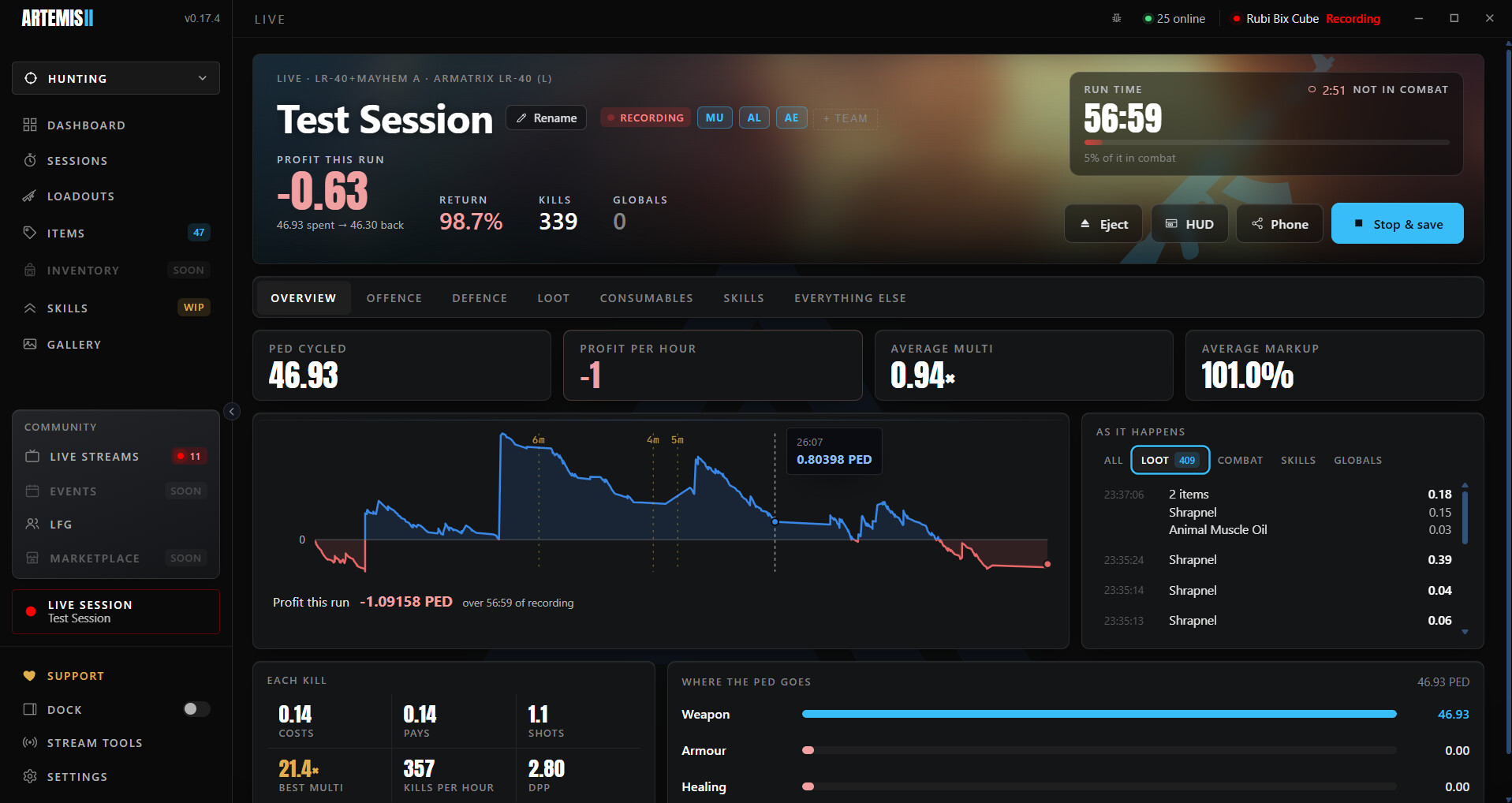
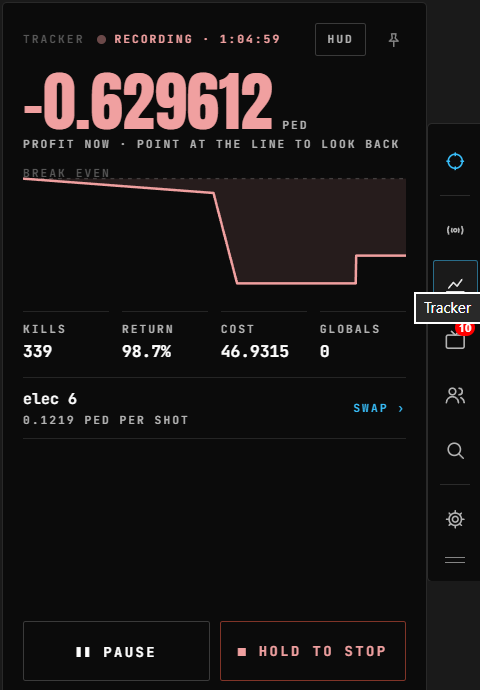
Start a run and watch it live: spend, loot, return and profit as you hunt.
- Live page: return, kills, globals and a running chart.
- Live feed: Loot, Combat, Skills and your Globals, as they happen.
- Pause keeps the run loaded; stop saves it.
- Swap loadouts mid-run; each set is credited with its own share.
Sessions#
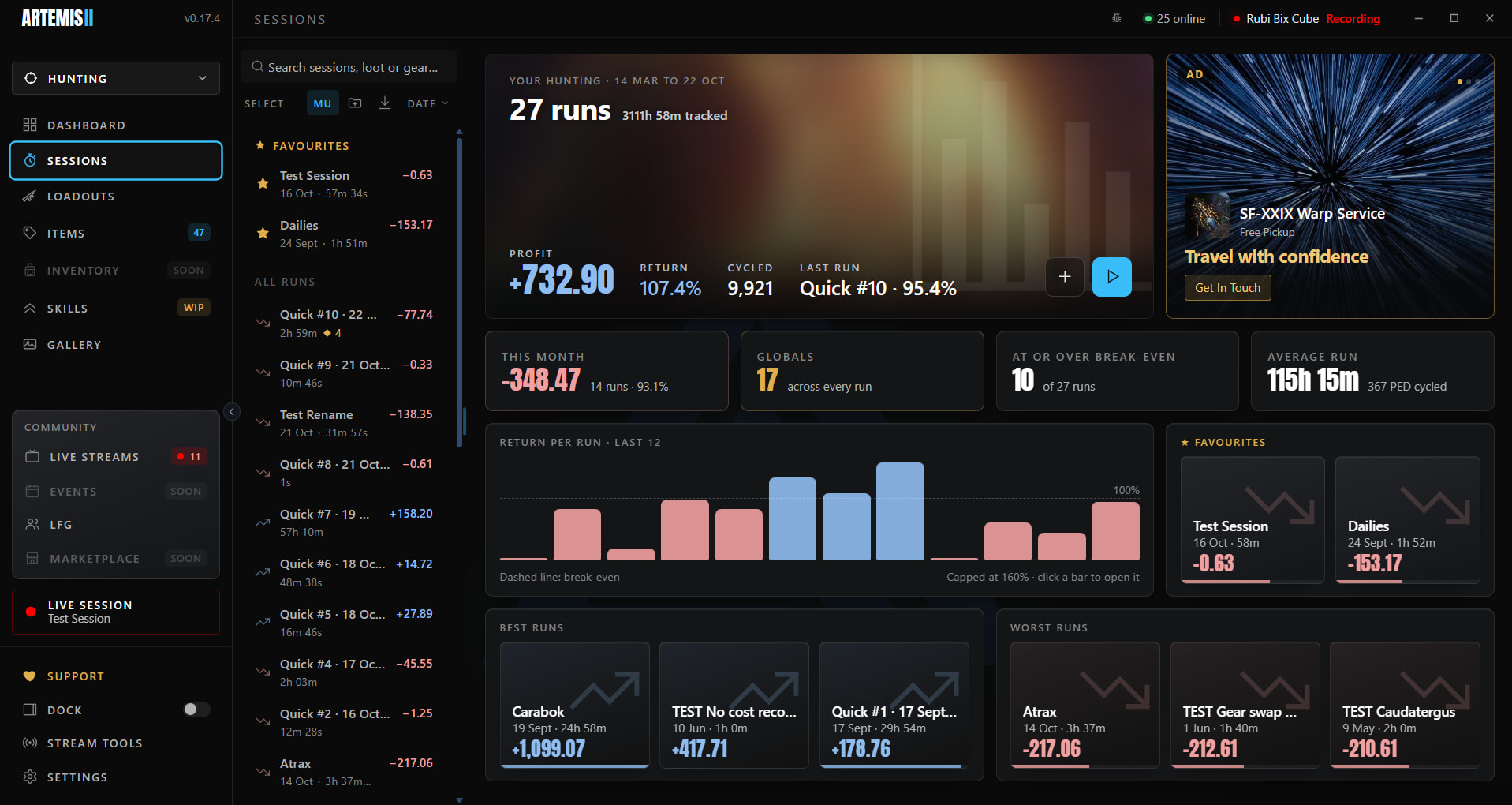
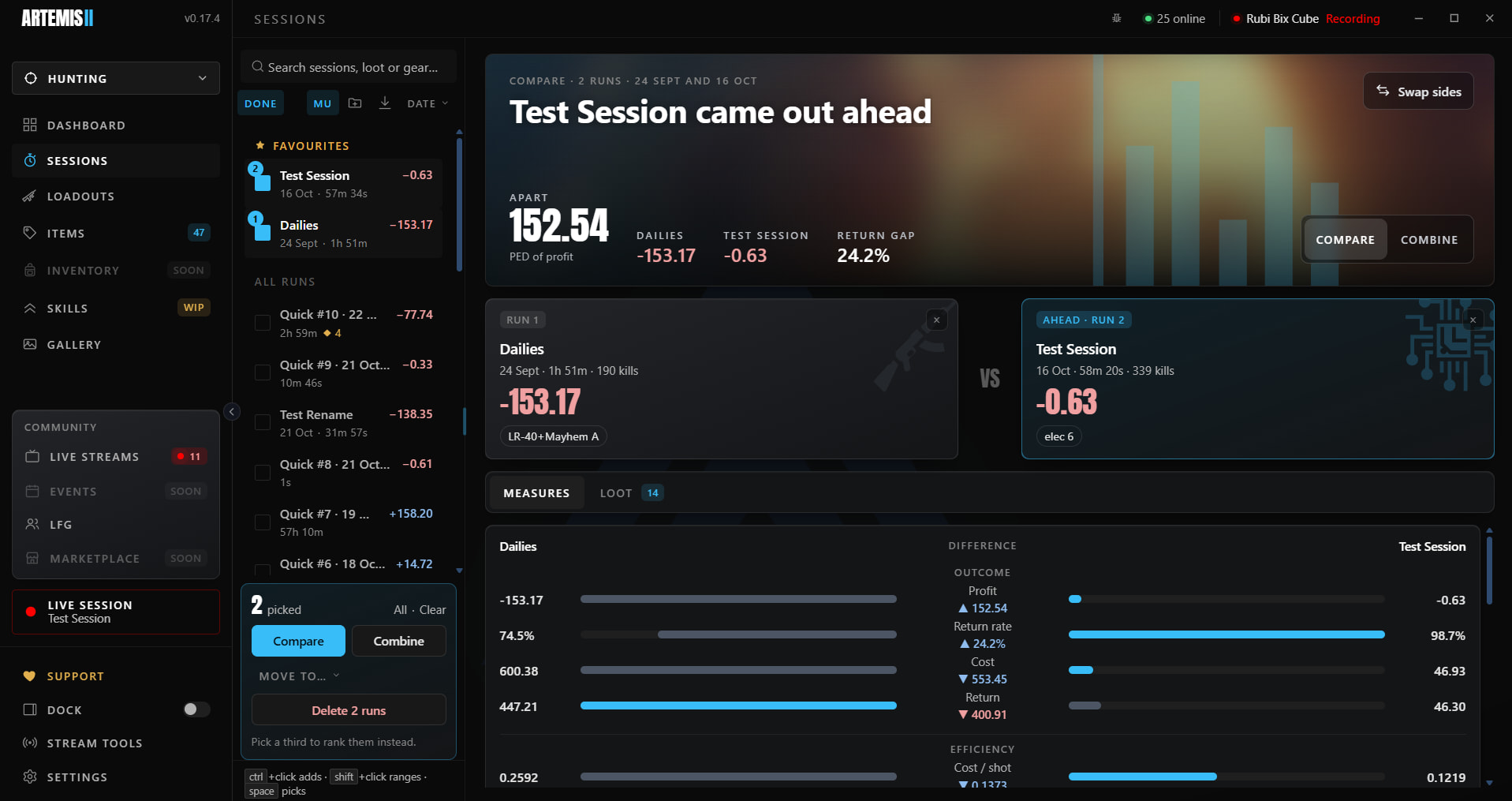
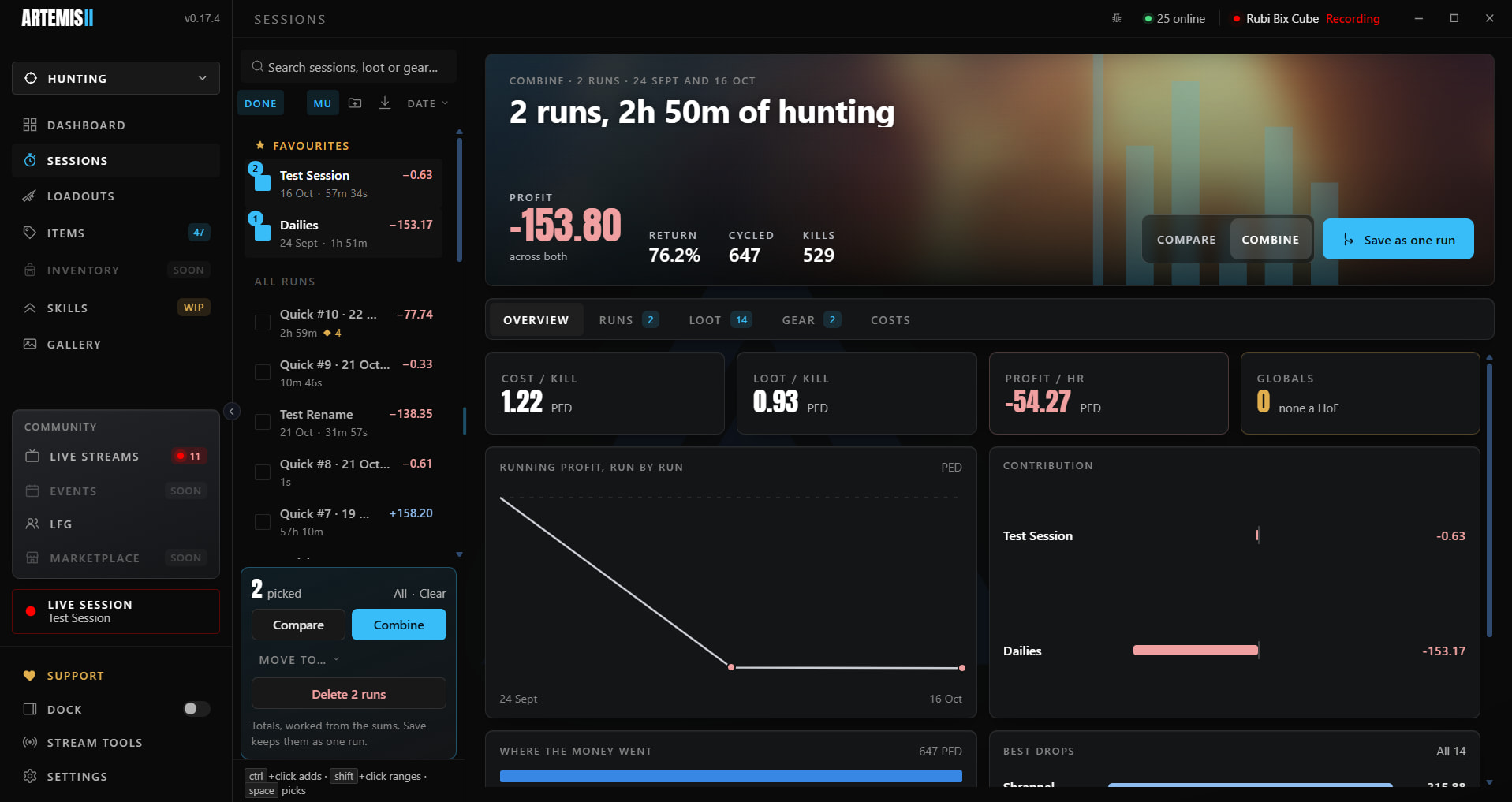
Every hunt saved, with a full report: return, kills, damage, hit rate, cost per kill and more.
- Compare: pick several runs to see them side by side.
- Combine: add runs up as one, to see a week or a mob as a whole.
Loadouts#
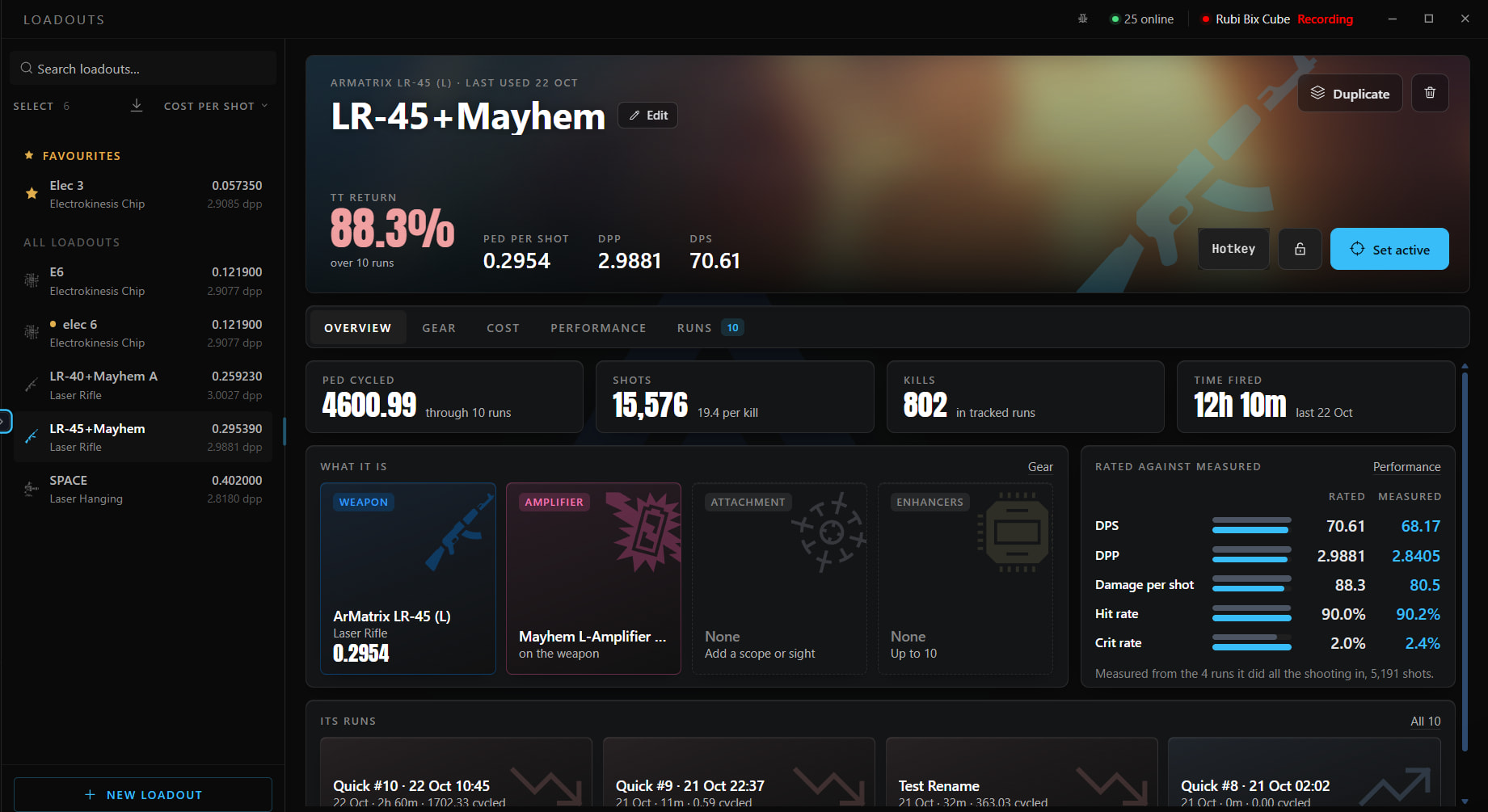
Build your weapon, amp, scope, sight, absorber and enhancers, and see the rated cost per shot, DPP and DPS.
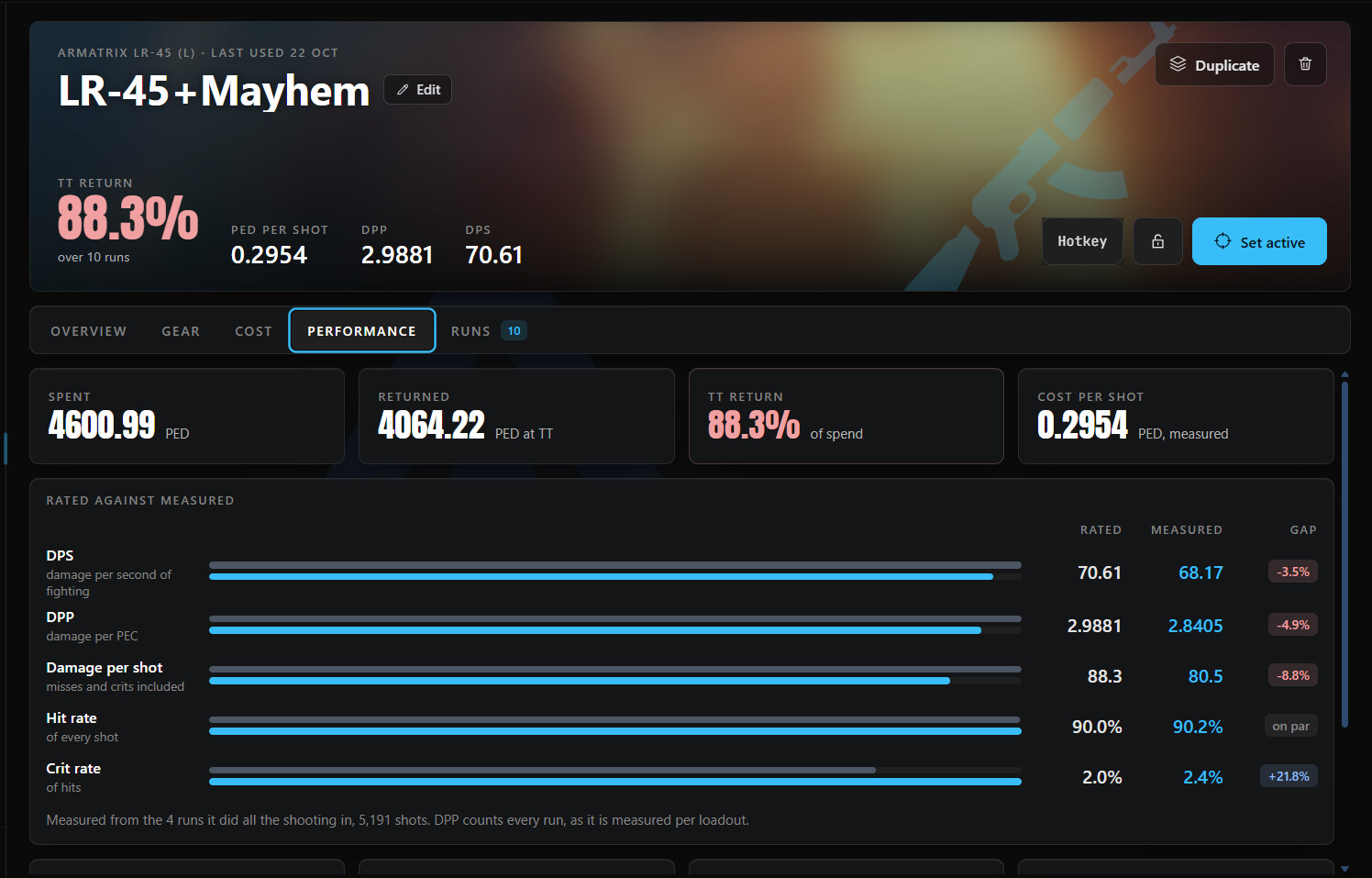
- Rated against measured: what the gear should do beside what it did in the runs it did all the shooting in.
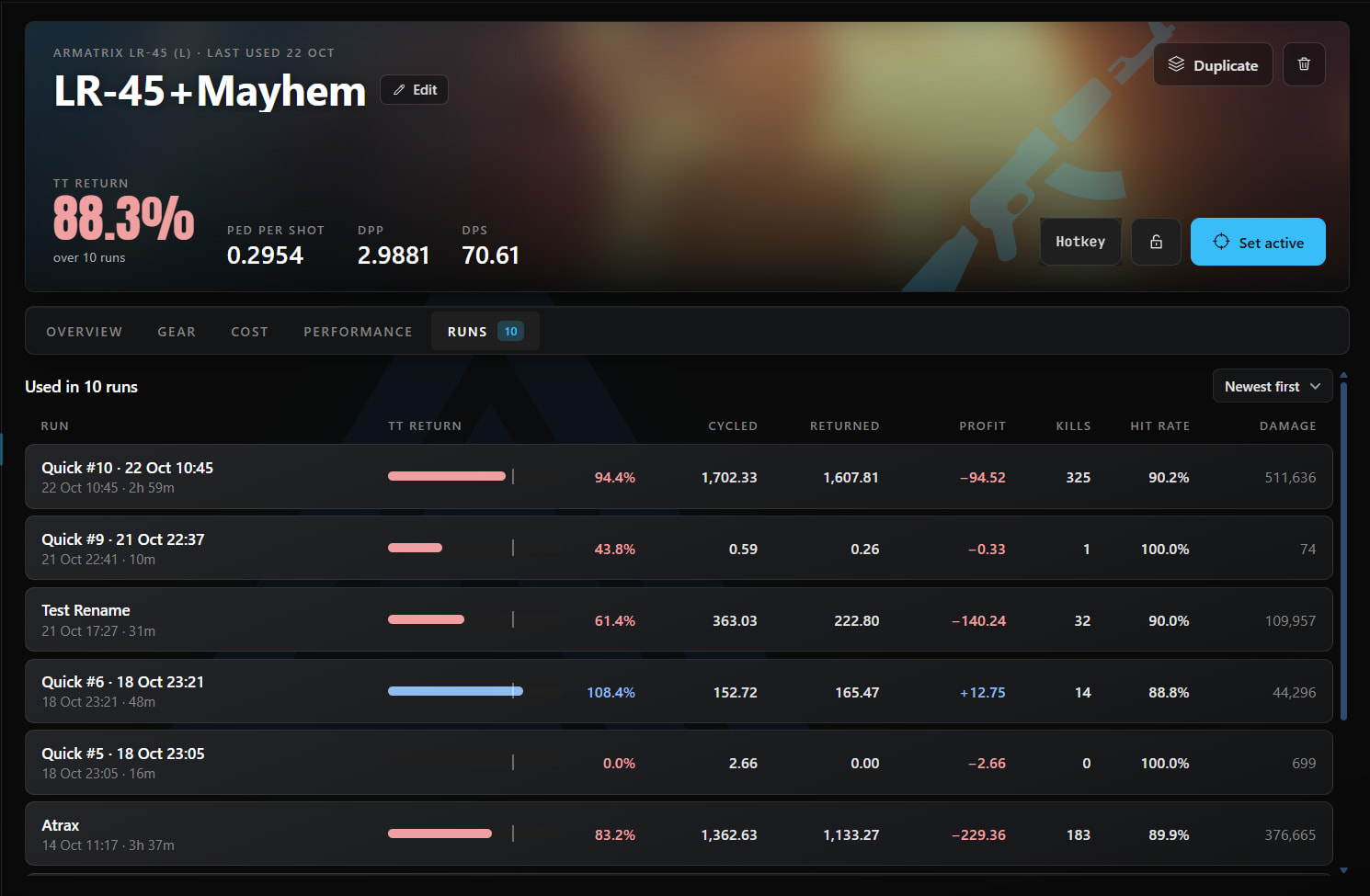
- Runs: every hunt a loadout was used in, with its return and profit.
- Active loadout: the one a new run starts with. Give it a hotkey to switch mid-hunt.
- Lock a loadout you have finished, so it cannot be changed by accident.
Items & markup#
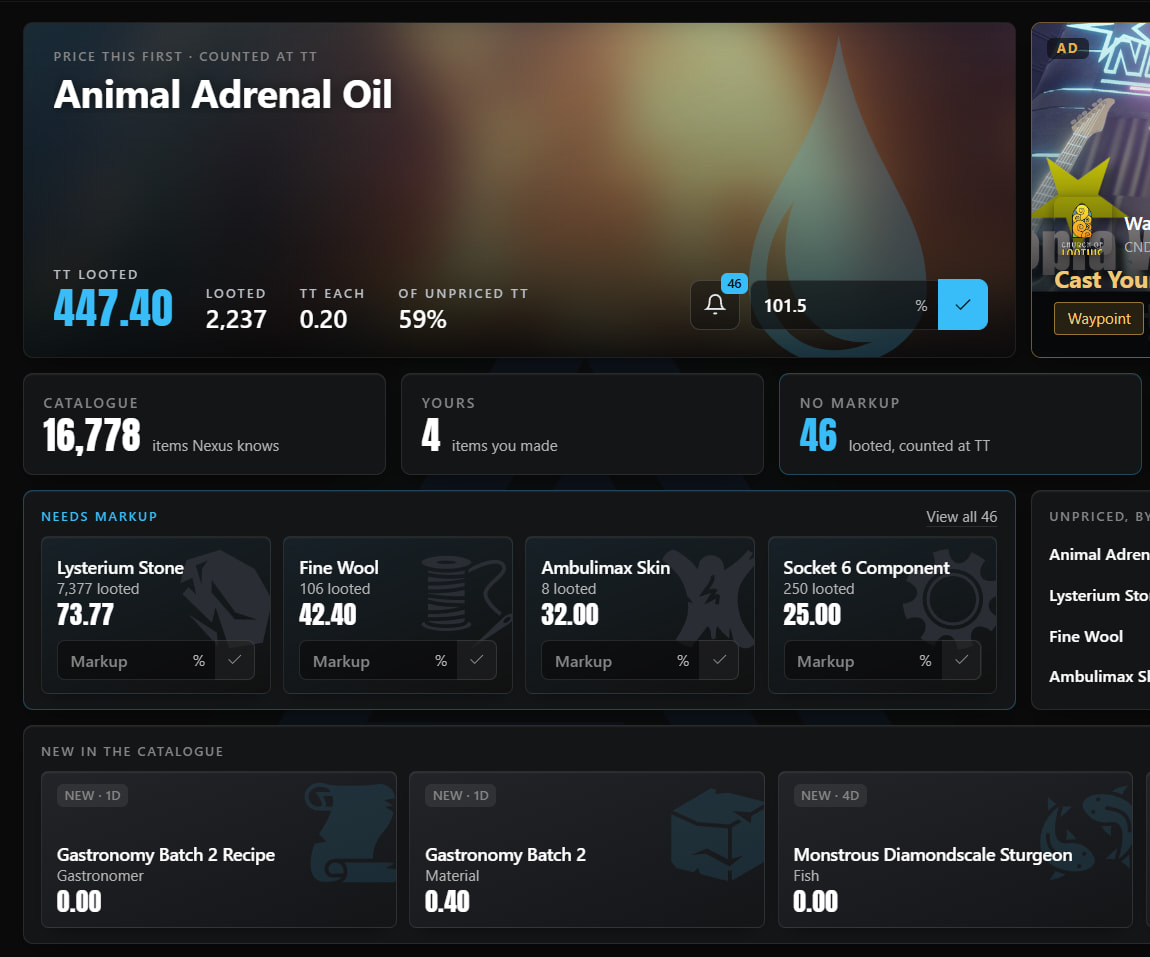
Loot is only worth what it sells for. Artemis keeps market markups in sync, and lets you set your own wherever you know better.
Which price wins
- Yours
- Market
- Your base markup
- TT value
- Price what needs it. Items page, Needs markup: looted items with no price. Type a percentage on the card and press Enter. It leaves the list once priced.
- Work through the rest. View all steps through every unpriced item, largest first.
- Set your own on anything. Open an item and type yours. It beats the market from then on, and past runs are repriced.
- Paste many at once. Paste markups takes a list and prices them in one go.
Base markup. Settings has a blanket markup for anything nothing else prices, if you would rather not count those at TT.
The dock#
A small bar on screen while you play, with drawers for the tracker, mob search, loadouts and sessions.
- Pin a drawer to keep it open while you click into the game.
- Drag a drawer where you want it; it stays there.
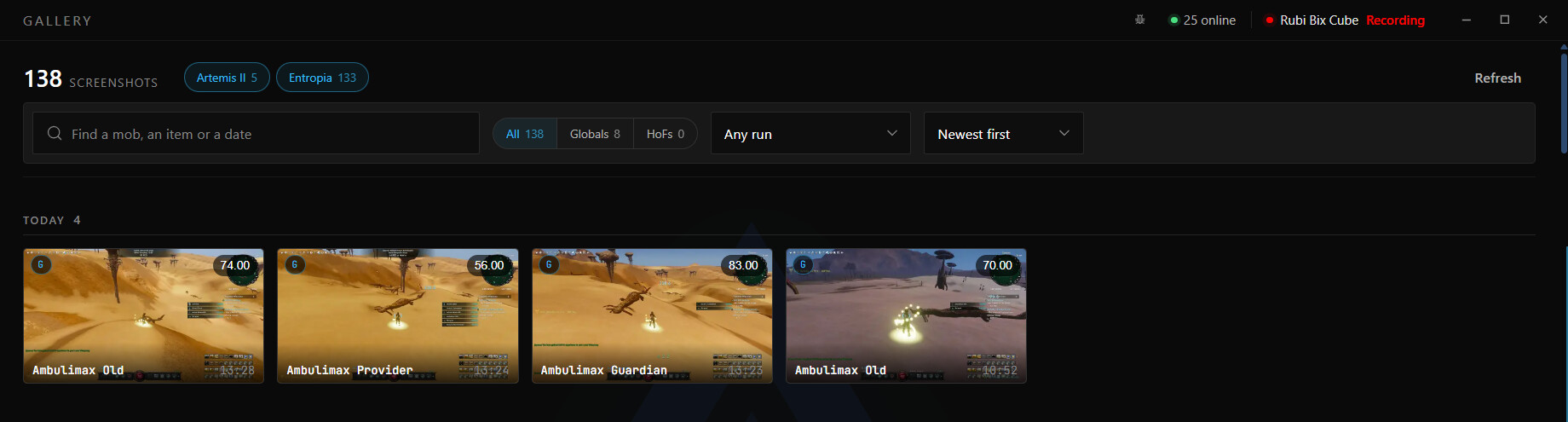
- Gallery: Artemis takes a picture of your globals and keeps them in one place.
Stream tools#
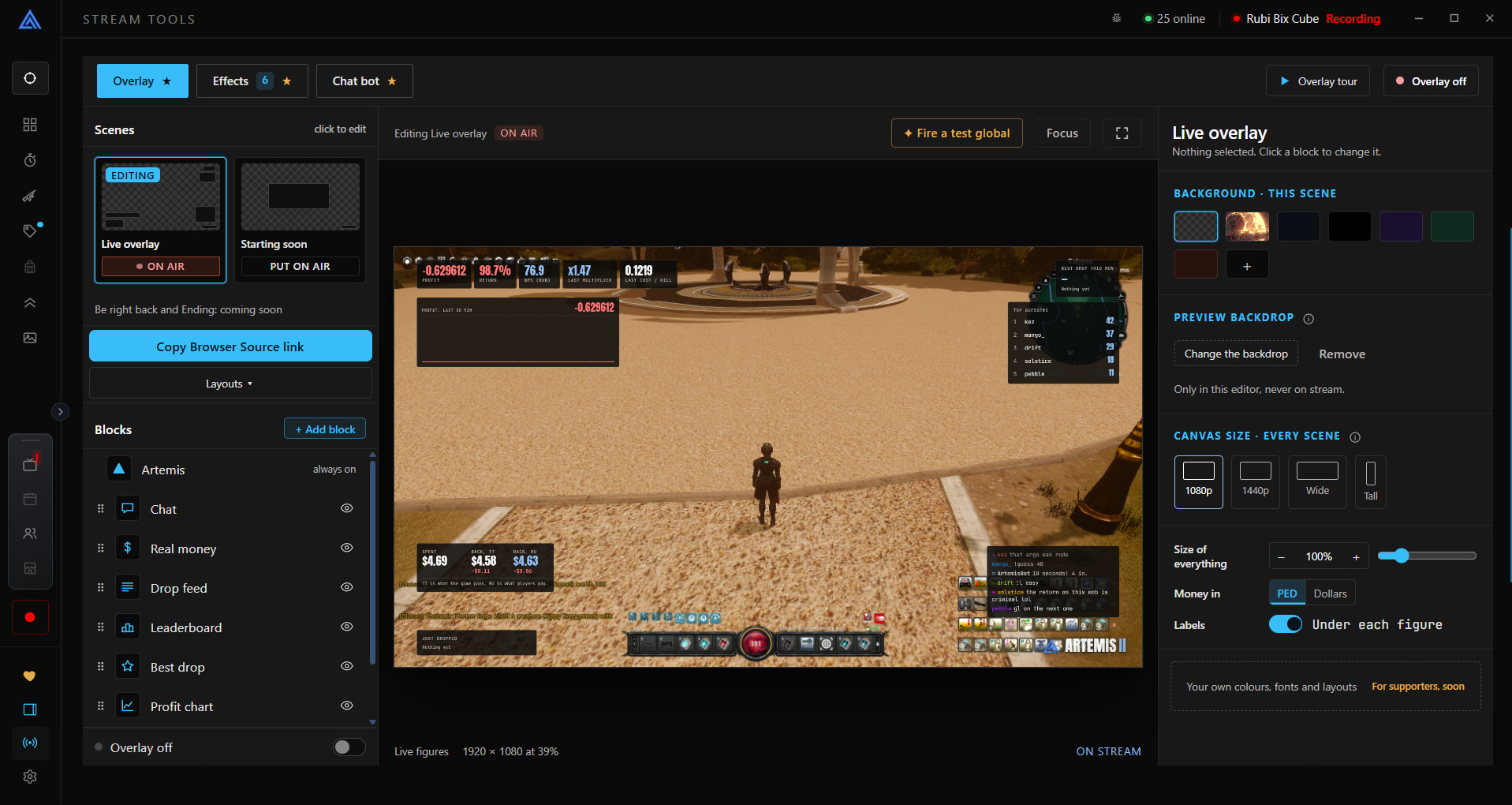
On-screen overlays for OBS, and a chat bot with games for your viewers.
- Add the overlay to OBS. Stream tools gives you a link for each scene. In OBS add a Browser source and paste it in.
- Lay out your scenes. Live, Starting soon, Be right back and Ending each have their own blocks: figures, profit, a drop feed, your logo.
- Sign in with Twitch in Settings, Accounts, so the chat bot can join your chat.
- Set up events and games. Announce globals, throw confetti on a HoF, and let chat guess your next loot.
Community#
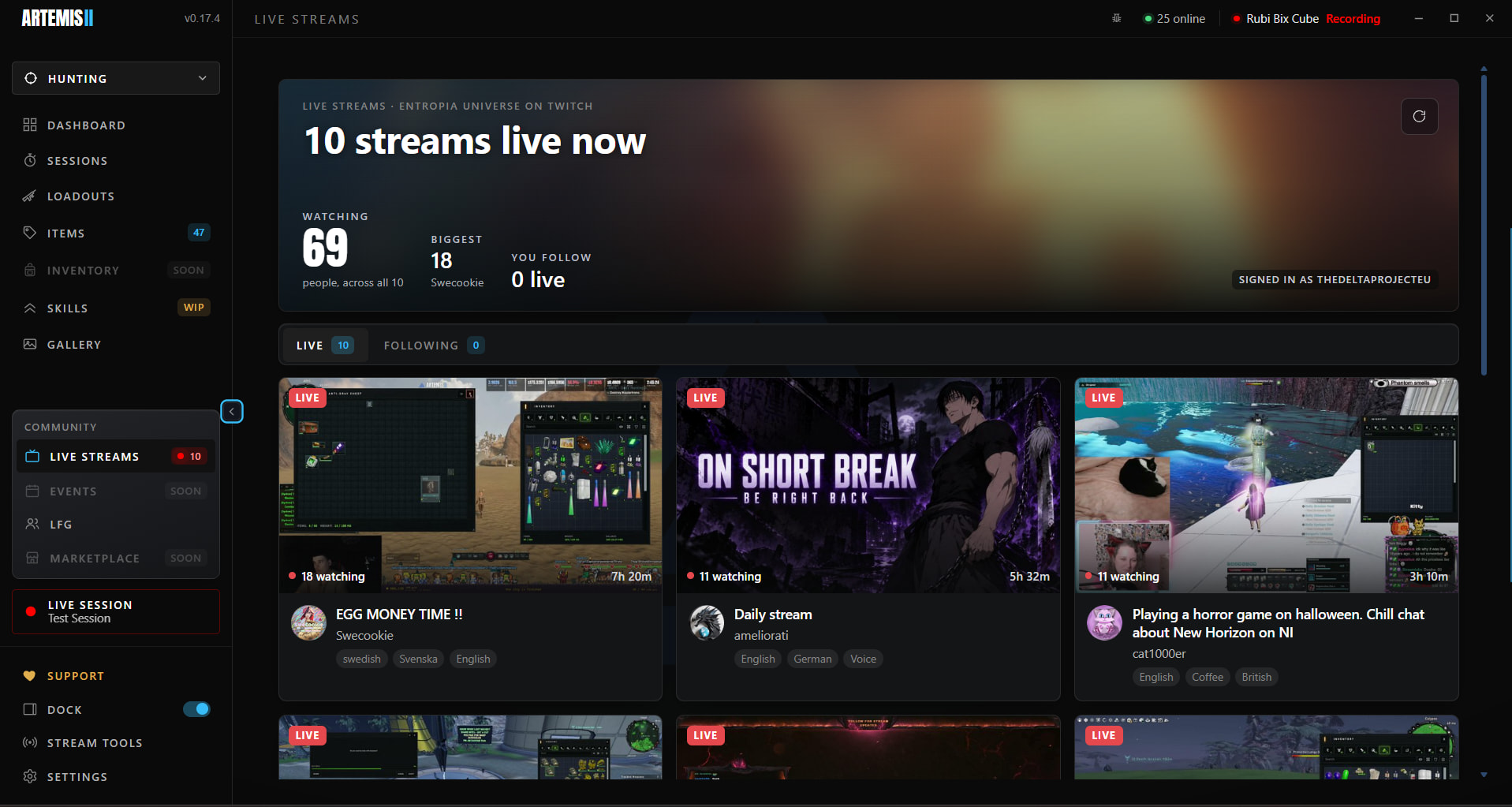
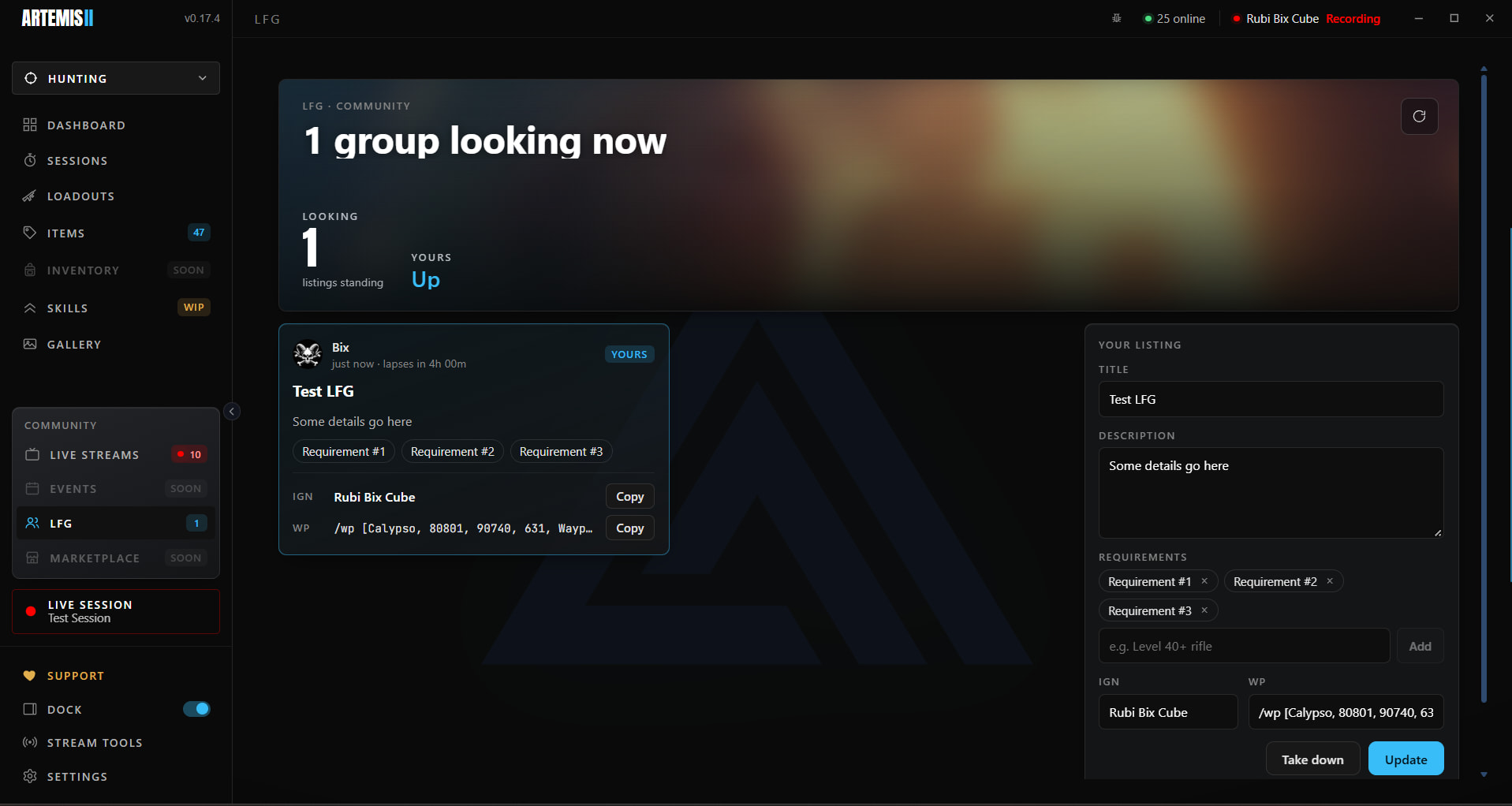
Watch everyone streaming Entropia on Twitch inside Artemis, with the real chat, and find a group in LFG.
- Live Streams: every Entropia stream on Twitch, with its chat. Pop one out into a miniplayer that stays on top of the game.
- LFG: post a group or find one: a title, what to bring, and your name and waypoint to copy in one click.
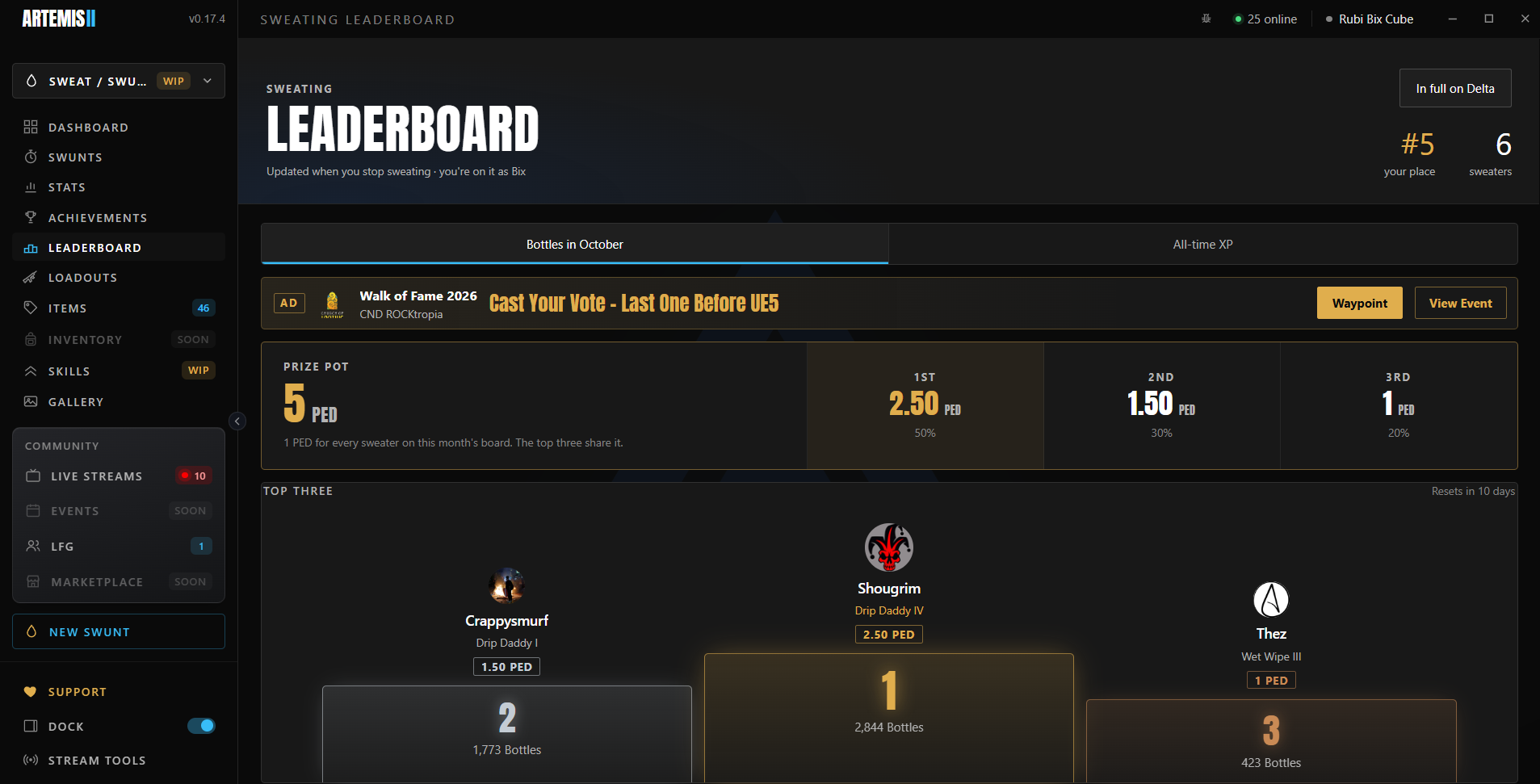
- Sweat / Swunt: a dashboard, ranks, achievements and a leaderboard for sweating. In progress.
FAQ#
Is it safe? Does it touch the game?
It only reads chat.log, the text file the game already writes. It never reads game memory, never presses a key, never contacts the game and never sees your login.
Windows warns me the app is unsigned and may be dangerous.
It isn't, it's just new and has not yet got a code signature. We have a bunch of people in Discord who've got this running in controlled environments, and you can ask the community there if you are uncertain about the warning.
Nothing is tracking.
Check the chat log path and your avatar name in Settings, Tracking. The name must match your avatar exactly.
My return looks wrong.
Check the Items page for loot with no markup, and that the loadout matches the gear you used.
Where do I report a bug?
On Discord, in #artemis. If a figure disagrees with your own logs, post them.